Getting Started
Prerequisites
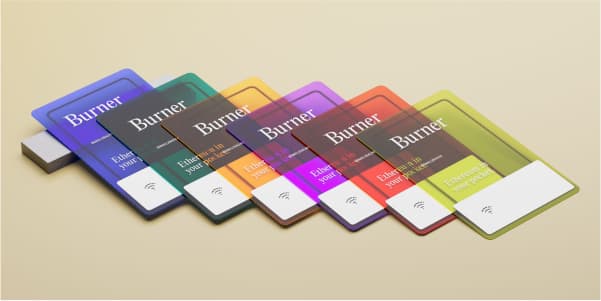
Burner Ethereum
Order here →
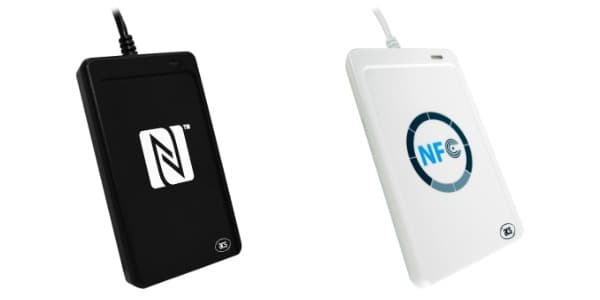
I recommend the ACR1252U (left) for the best experience, but the ACR122U (right) is also compatible.

HaLo Tools (Bridge)
Download from GitHub →
Node.js 18+
Installation
1. Clone and install
git clone https://github.com/rdyplayerB/openburner.git
cd openburner
npm install
2. Configure environment
cp env.example .env.localFor local development, you'll need API keys:
- CoinGecko - Get a free API key from CoinGecko for token prices and icons
- 0x - Get a free API key from 0x API for token swaps
Example .env.local:
NEXT_PUBLIC_COINGECKO_API_KEY=your_coingecko_api_key_here
NEXT_PUBLIC_0X_API_KEY=your_0x_api_key_here
Note: API keys are only required when running locally. The hosted version is fully functional with all features enabled.
3. Set up HaLo Bridge
Download the bridge from HaLo Tools releases. Run it and grant consent:
http://127.0.0.1:32868/consent?website=http://localhost:30004. Run the app
npm run devOpen http://localhost:3000
Next steps
- • Tap your Burner Ethereum Card on the NFC reader
- • Select from the network list or add your own custom network
- • Add custom tokens by contract address (Native tokens show by default)
- • Send or receive tokens